Metadata Security and Immutability: How to Protect Data from Tampering and Ransomware
 Dec, 24 2025
When your backup gets wiped out by ransomware, the real question isn’t whether you can restore it-it’s whether you can trust what you’re restoring. If the metadata-the timestamps, user IDs, IP logs, and file histories-isn’t locked down, then your backup might as well be a lie. Attackers don’t just delete files anymore. They alter the records that prove those files ever existed. That’s why metadata immutability isn’t a nice-to-have feature anymore. It’s the last line of defense.
What Exactly Is Metadata Immutability?
Metadata is data about data. It’s the invisible fingerprint of every file: when it was created, who accessed it, from where, and what changes were made. In a normal system, that metadata can be edited, erased, or rewritten. A hacker who gets admin access can delete a file and then clean up the logs to hide their tracks. That’s how breaches go undetected for months. Metadata immutability means once that data is written, it can’t be changed-not by users, not by admins, not even by the system owner. It’s like signing a contract in ink that can’t be erased. This isn’t software protection. It’s hardware and storage-level enforcement. Think of it as a digital WORM drive: Write Once, Read Many. Once the data lands, it’s frozen. This isn’t theoretical. In 2025, Veeam reported that 89% of organizations had their backup repositories targeted by ransomware. The ones that survived? They had immutable metadata. The ones that paid the ransom? Their logs were already altered. They couldn’t prove when the attack started, who did it, or how much was stolen.Why Storage-Level Immutability Is the Only Real Protection
Not all "immutable" systems are actually immutable. That’s the trap. Many vendors sell you software that says "data can’t be deleted"-but it’s still controlled by a server. If a hacker steals an admin token or exploits a flaw in the SaaS platform, they can flip a switch and wipe everything. It’s like locking your front door but leaving the key under the mat. True immutability comes from the storage layer. AWS S3 Object Lock in Compliance Mode, Azure Immutable Blobs, and AWS Backup Vault Lock are the gold standards. These systems don’t rely on software rules. They use cryptographic locks built into the storage infrastructure. Even the root account can’t delete or alter the data. You can’t bypass it. You can’t disable it. You can’t hack around it. Microsoft 365 updated its metadata system in early 2025 to ensure timestamps and access logs can’t be modified or removed. That’s the kind of control you need. Not "we promise it’s secure," but "the system physically won’t let you change it."How It Works: The Technical Layers
Real metadata immutability isn’t just one trick. It’s a stack:- Cryptographic hashing: Every piece of metadata gets a unique digital fingerprint. Change one letter? The hash changes. Anyone can verify the original data hasn’t been touched.
- Shard & Spread™: Systems like Myota break data into fragments, encrypt each one, and scatter them across geographically separate locations. No single point of failure. No central server to hack.
- Append-only architecture: Like a blockchain, new data is added. Old data is never overwritten. Every change becomes a new entry. You can see the full history.
- Decentralized verification: Independent nodes can validate data integrity without trusting a central authority. This is how blockchain-inspired systems ensure trust without central control.
What Happens When You Don’t Have It
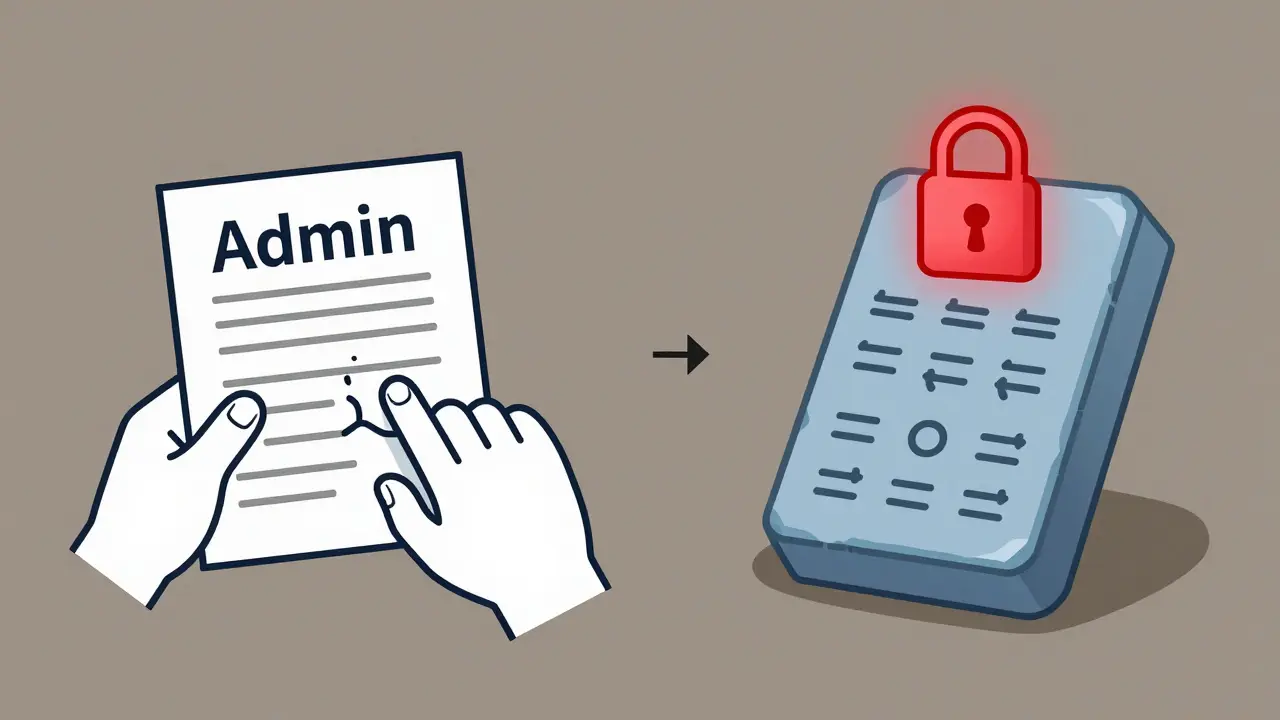
A company in Texas lost $3.2 million in 2024 after a ransomware attack. They thought their backup was secure. It wasn’t. The attacker had modified the metadata to show the last backup was from 48 hours ago-when it was actually from 7 days ago. They restored from the wrong point. All the changes made in those 7 days? Gone. And because the metadata was mutable, they couldn’t prove when the breach started. The insurance claim got denied. That’s the risk. Without immutable metadata, you lose:- Proof of compliance
- Ability to trace insider threats
- Forensic evidence for legal cases
- Trust from customers and regulators
Industry Standards and Regulations That Require It
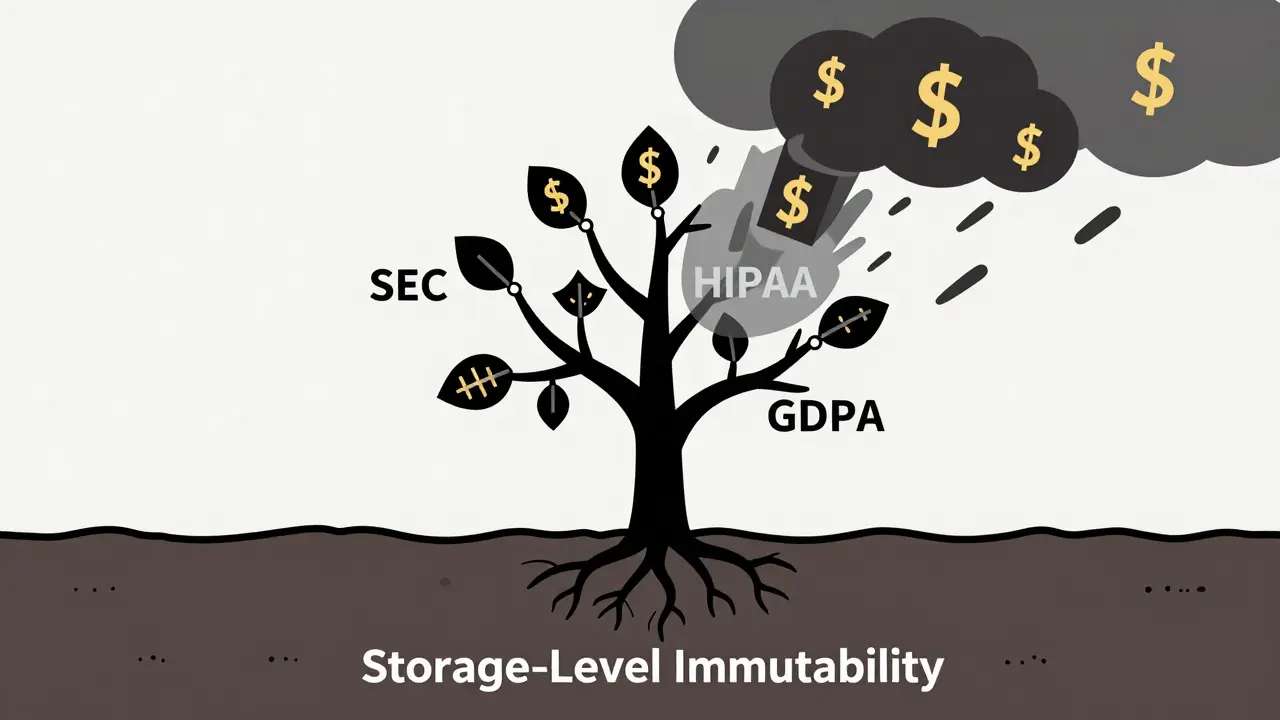
You can’t just ignore this. Laws are catching up:- SEC Rule 17a-4(f): Requires financial firms to store records in WORM format. No exceptions.
- HIPAA §164.312(c)(1): Mandates integrity controls for electronic health records. Mutable logs = violation.
- GDPR Article 32: Requires appropriate technical measures to protect data. Immutability is now considered a baseline.
- FINRA Rule 4511: Broker-dealers must preserve records for 6 years in an unalterable format.
Choosing the Right Solution
Not all solutions are equal. Here’s what to look for:| Solution | Immutability Type | Root Access Bypassable? | Independent Verification? | Best For |
|---|---|---|---|---|
| AWS S3 Object Lock (Compliance Mode) | Storage-Level | No | Yes | Enterprises needing regulatory compliance |
| Azure Immutable Blobs | Storage-Level | No | Yes | Microsoft ecosystem users |
| Veeam Data Cloud Vault | Storage-Level | No | Yes | Hybrid cloud backup environments |
| Third-party SaaS "immutable" backup | Software-Enforced | Yes | Usually No | Risky. Avoid for regulated data |
| Myota Shard & Spread™ | Cryptographic + Decentralized | No | Yes | High-security, multi-cloud environments |
Common Mistakes and How to Avoid Them
Most failures aren’t because the tech doesn’t work. They’re because people set it up wrong:- Setting the retention period too short: 30 days? That’s useless against advanced ransomware that lies dormant for weeks. HIPAA requires 6 years. Financial data? 7+ years.
- Only protecting the data, not the metadata: You can lock the file but leave the logs open. That’s like locking your safe but leaving the receipt on the desk.
- Using software-based "immutability": If your backup tool says "we make data immutable," ask: "Can the root user delete it?" If yes, walk away.
- Not testing recovery: You think it works until you need it. Test restoring from an immutable snapshot every quarter.
What’s Next: The Future of Immutability
The market for immutable storage is projected to hit $12.7 billion by 2028. Why? Because ransomware isn’t going away. Regulators aren’t backing down. And the cost of a breach is skyrocketing. New systems are starting to integrate blockchain-style verification chains. Myota’s 2024 roadmap includes cryptographic proof chains that let third parties validate data integrity without accessing the original files. That’s the future: trust without transparency. Forrester predicts that by 2027, 95% of enterprise storage solutions will include some form of metadata immutability. The question isn’t whether you’ll need it. It’s whether you’ll be ready when you’re audited, breached, or sued.Start Here: Your 3-Step Action Plan
If you’re reading this, you’re probably already at risk. Here’s what to do next:- Map your metadata: Where are your logs stored? Who can change them? What systems generate timestamps, IP addresses, and access records?
- Switch to storage-level immutability: Use AWS S3 Object Lock, Azure Immutable Blobs, or Veeam Data Cloud Vault. Avoid any solution that relies on software controls alone.
- Set retention to compliance minimums: 6 years for healthcare. 7+ for finance. Don’t guess. Don’t save money here. This isn’t an expense-it’s insurance.