Non-Custodial Crypto Wallets in Restricted Countries: How to Stay in Control When Banks Won't Let You
 Dec, 8 2025
Remittance Cost Calculator
Compare Your Transfer Costs
See how much you could save by using crypto instead of traditional remittance services. Based on real user experiences in restricted countries.
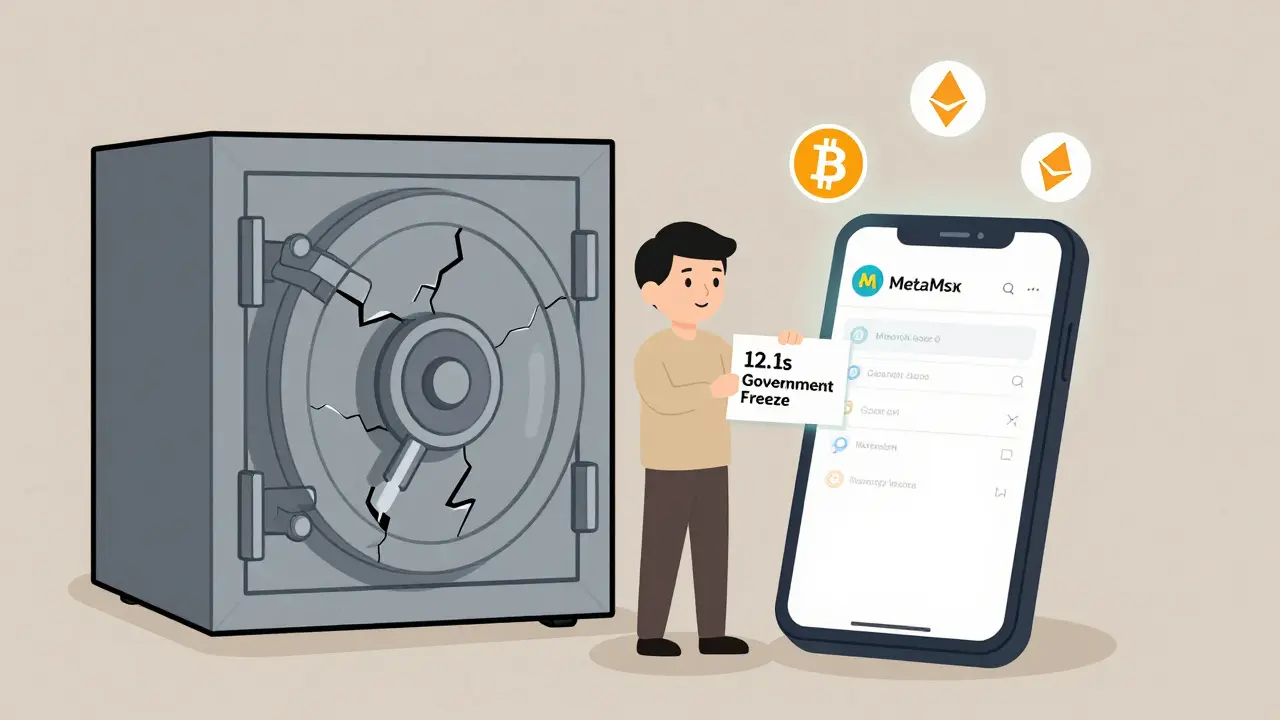
When your government blocks crypto exchanges, freezes bank accounts, or shuts down access to PayPal and Wise, what do you do with your money? If you're in a country where financial freedom is under pressure - whether it's due to capital controls, sanctions, or outright bans - non-custodial crypto wallets aren't just a tech option. They're a lifeline.
What Exactly Is a Non-Custodial Wallet?
A non-custodial wallet puts you in charge. No middleman. No company holding your keys. When you set one up, you generate a 12- or 24-word recovery phrase. That phrase is the only way to get back into your money. If you lose it, your crypto is gone forever. There’s no customer service line to call. No reset button. No refund. This is the opposite of custodial wallets - the kind offered by exchanges like Binance or Coinbase. In those, the exchange holds your private keys. You don’t own your crypto; they do. And if they get shut down by regulators, as FTX did in 2022, your $8 billion could vanish overnight - even if you’re not the one who did anything wrong. In restricted countries, that difference isn’t theoretical. It’s survival.Why Non-Custodial Wallets Work Where Banks Don’t
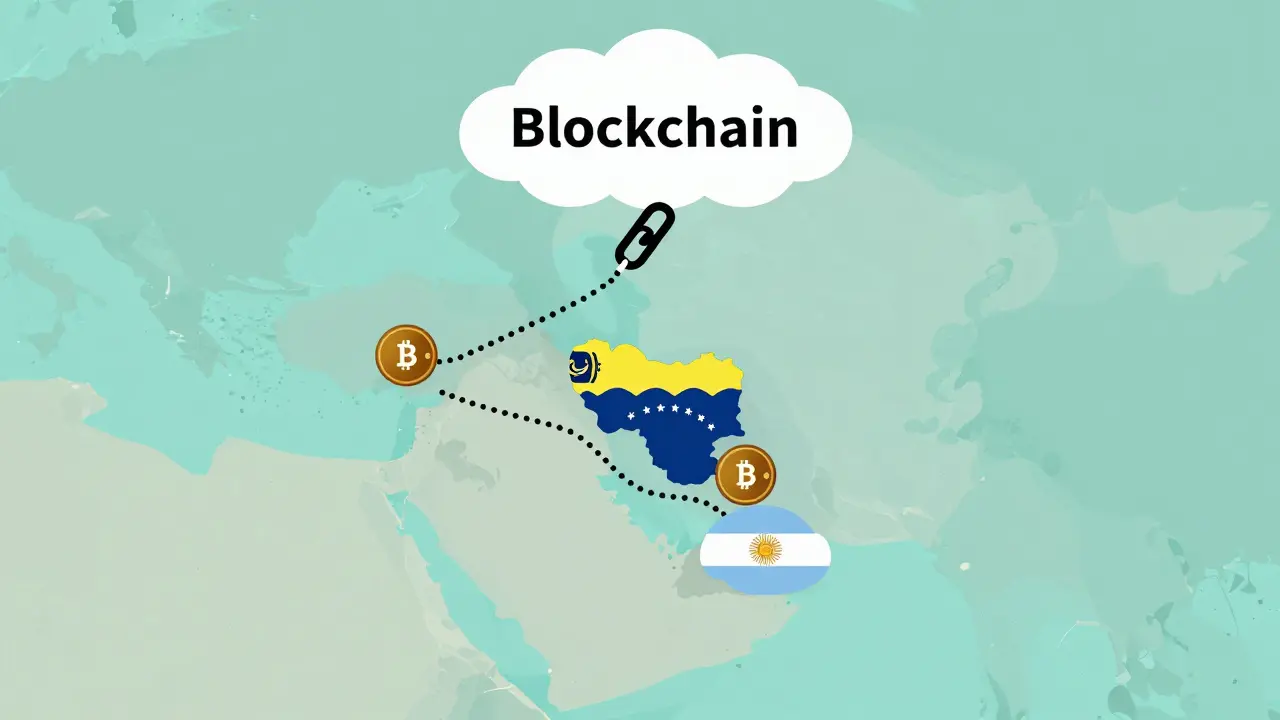
Governments can block websites. They can shut down local exchanges. They can pressure banks to cut off crypto-related transactions. But they can’t shut down the blockchain. Non-custodial wallets like MetaMask, Trust Wallet, or Ledger connect directly to the blockchain. You don’t need permission. You don’t need to pass KYC. You don’t need a bank account. You just need a phone or computer and an internet connection. In countries like Nigeria, Iran, Venezuela, or Argentina - where inflation hits 100%+ and foreign currency is hard to get - people use these wallets to:- Store savings in Bitcoin or Ethereum instead of rapidly devaluing local currency
- Send money to family abroad without going through expensive remittance services
- Buy goods and services from global marketplaces that accept crypto
- Access decentralized finance (DeFi) apps like Uniswap or PancakeSwap to earn interest - something banks in their countries won’t allow
The Trade-Off: Control Comes With Responsibility
This isn’t magic. It’s power - and power demands discipline. If you lose your recovery phrase, your money is gone. No exceptions. No mercy. There’s no “forgot password?” link. No support team to recover your account. One user on Reddit, u/KeyLoser2024, lost his recovery phrase while moving countries. He had $3,200 in ETH. It’s gone. Forever. That’s why most people in restricted countries who use these wallets follow strict rules:- Write the recovery phrase on paper - not on a phone or computer
- Store the paper in multiple secure places - one at home, one with a trusted relative, one in a safety deposit box if available
- Use a hardware wallet like Ledger Nano S ($79) or Nano X ($149) for anything over $1,000. These devices store keys offline. Even if your computer gets hacked, your crypto stays safe.
- Never screenshot or email your recovery phrase. Ever.
What Wallets Actually Work in Restricted Countries?
Not all wallets are equal when you’re under pressure. MetaMask (browser extension or mobile app) is the most popular. It’s free, works on Android and iOS, and connects to Ethereum, BSC, Solana, and dozens of other chains. It doesn’t require KYC. You can install it via direct download if app stores block it. Trust Wallet (by Binance) is another solid mobile option. It supports over 10 million tokens and has a built-in DApp browser. Some users in Iran and Turkey rely on it because it’s easy to use and updates frequently. Ledger (hardware wallets) are the gold standard for security. They’re physical devices. You plug them into your phone or computer only when sending crypto. The private key never leaves the device. Even if your phone is infected with malware, your crypto is safe. Exodus is user-friendly with a clean interface. It doesn’t require KYC, but it’s not as widely used in restricted regions because it’s harder to install without app stores. Avoid wallets that ask for your email, phone number, or ID. If they do, they’re not truly non-custodial.How to Get Started Without Getting Scammed
In restricted countries, scams are everywhere. Fake wallets. Phishing sites. “Helpful” strangers on Telegram offering to recover your lost funds. Here’s how to avoid them:- Download wallets only from official sites: metamask.io, trustwallet.com, ledger.com. Never from Google Play or Apple App Store if they’re blocked - download the APK or IPA file directly.
- Always double-check URLs. Scammers make fake sites like “metamask.io” but with a typo: “metamask.ioo” or “meta-mask.io”.
- Never click links sent by strangers. Even if they say “your wallet needs an update.”
- Verify contract addresses manually when interacting with DeFi apps. Copy-paste from trusted sources like Etherscan or BscScan - don’t trust what’s shown in a pop-up.
- Test with a small amount first. Send $5, wait for it to arrive, then send the rest.
What You Can’t Do With Non-Custodial Wallets
They’re powerful - but not perfect. You can’t:- Cancel a transaction after sending
- Reverse a mistake (sending to the wrong address)
- Get help if you forget your phrase
- Use fiat on-ramps easily (buying crypto with a credit card)
Is This Legal?
In most restricted countries, owning crypto isn’t illegal - using it for money laundering, tax evasion, or circumventing sanctions is. But enforcement is messy. Many governments don’t have the tools to track wallet addresses. They can block exchanges. They can arrest people for running P2P trades. But they can’t shut down a wallet app on your phone unless they confiscate the device. In practice, millions of people use non-custodial wallets in places like Russia, Turkey, and Egypt without getting arrested. They’re not trying to break the law - they’re trying to survive it.What’s Next?
The technology is getting better. New wallets now support “multi-signature” setups - where you need two or more people to approve a transaction. That’s useful if you’re worried about being forced to hand over your keys. Shamir Backup (used by Ledger) lets you split your recovery phrase into 3 parts. You need any 2 to restore your wallet. So you can give one part to a friend, one to a family member, and keep one yourself. Cross-chain bridges are improving too. You can now move Bitcoin to Ethereum, or Solana to Polygon - all from one wallet. That means you’re not stuck on one network if another gets blocked. But the biggest change? Awareness. More people are learning that if you don’t control your keys, you don’t control your money. And in places where governments control everything else, that’s the only kind of freedom that still exists.Final Advice
If you’re in a restricted country and thinking about using a non-custodial wallet:- Start small. Use $50 to learn.
- Write down your recovery phrase - twice - on paper. Store them separately.
- Use a hardware wallet if you have more than $1,000.
- Don’t trust anyone who says they can “recover” your wallet.
- Learn how to check blockchain explorers (Etherscan, BscScan) to verify transactions yourself.
Can I use a non-custodial wallet if my country bans crypto exchanges?
Yes. Non-custodial wallets like MetaMask or Trust Wallet don’t require you to sign up with an exchange. You interact directly with the blockchain. As long as you can access the internet, you can use them - even if local exchanges are blocked. You may need a VPN to download the app or visit wallet websites, but the wallet itself doesn’t rely on any banned service.
What happens if I lose my recovery phrase?
Your crypto is gone forever. There is no way to recover it. No customer support, no reset button, no government agency can help. That’s why writing down your recovery phrase on paper and storing it securely is the most important step. Treat it like the only key to your house - but more valuable.
Are hardware wallets worth it for beginners?
If you’re holding more than $500, yes. Hardware wallets like Ledger store your private keys offline, making them immune to phone hacks or malware. They’re simple to use: plug in, confirm transactions on the device screen, and unplug. For beginners, they reduce the risk of losing funds due to mistakes. The $79 Ledger Nano S is the most affordable entry point.
Can the government track my transactions on a non-custodial wallet?
They can see the transaction history on the public blockchain - who sent what to whom. But they can’t link that to your real identity unless you reveal it yourself (like by using a KYC exchange to buy crypto). If you buy crypto via P2P with cash or use privacy tools like Tor or a no-log VPN, your identity stays hidden. The blockchain is transparent, but your identity doesn’t have to be.
Do I need to pay taxes on crypto held in a non-custodial wallet?
Tax laws vary by country. In many places, holding crypto isn’t taxable - only selling, trading, or earning income from it is. But if your country requires tax reporting, you’re still responsible for it - even if you use a non-custodial wallet. Use tools like Koinly or CoinTracker to track your transactions and calculate gains. Ignoring taxes doesn’t make them disappear.
Is it safe to use a non-custodial wallet on a public computer or phone?
No. Never use a non-custodial wallet on a public or shared device. Malware can steal your private keys or recovery phrase. Even if you think the device is clean, it might have hidden keyloggers. Always use your own phone or computer. If you must use a public device, only view your balance - never send funds or enter your recovery phrase.